Why this page feels complete on mobile
This demo shows how AI2Work Pages can turn an event brief into a compact experience that feels polished on a phone and clear enough to share in chats, communities, and RSVP flows.
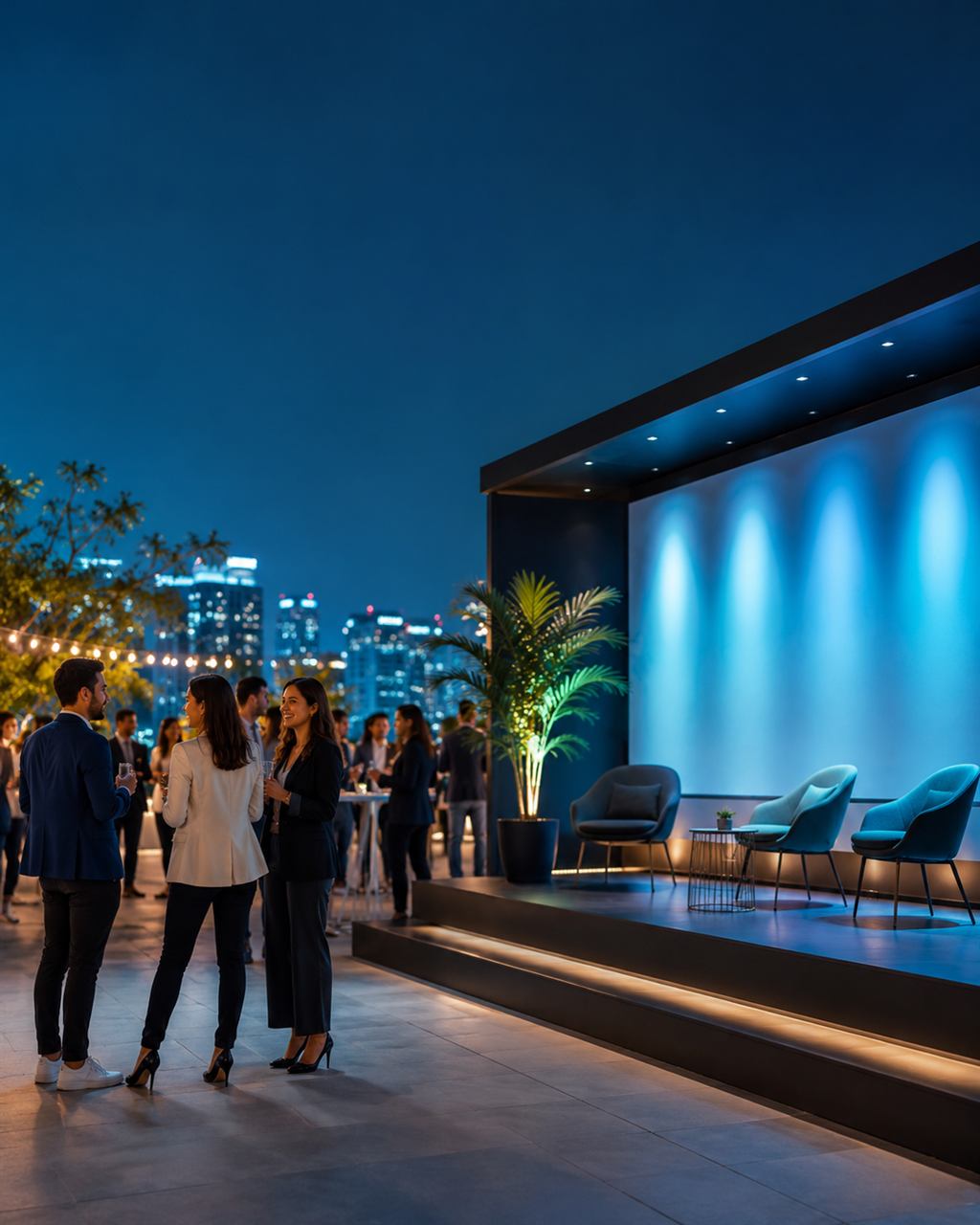
Event flow
18:30
Check-in, welcome drinks, and a quick preview of the creator gallery wall.
19:00
Opening remarks, host welcome, and a short introduction to the featured launch.
19:30
Live demos, partner spotlight moments, and guided networking across the venue.
20:30
Closing note, follow-up information, and RSVP reminders for the next community session.
What AI2Work Pages helps highlight
Clear logistics
Dates, times, venue details, and attendance notes are easy to scan on mobile.
Shareable structure
The page feels more complete than a poster, but lighter than a full event site.
AI-assisted drafting
A short event brief can quickly become a presentable invitation page with sections and pacing.
Designed for mobile-first storytelling, this kind of page works well when you want a stronger invitation experience without building a full website.
Next step
This demo is a public example of the kind of page you can create and share with AI2Work Pages.